

Certificate 6
Award
Achievements. Verified.
Design beautiful certificates, generate thousands in minutes, and make every achievement instantly verifiable with a unique QR code.
From a single certificate to an entire graduating batch, Proudify makes issuing trusted digital credentials effortless.
Simple Process
Pick a Proudify template or create your own branded certificate.
Create one certificate or upload hundreds of recipients at once.
Proudify generates every certificate with its own credential ID and verification QR.
Built-in Trust
Every Proudify certificate comes with proof built in.
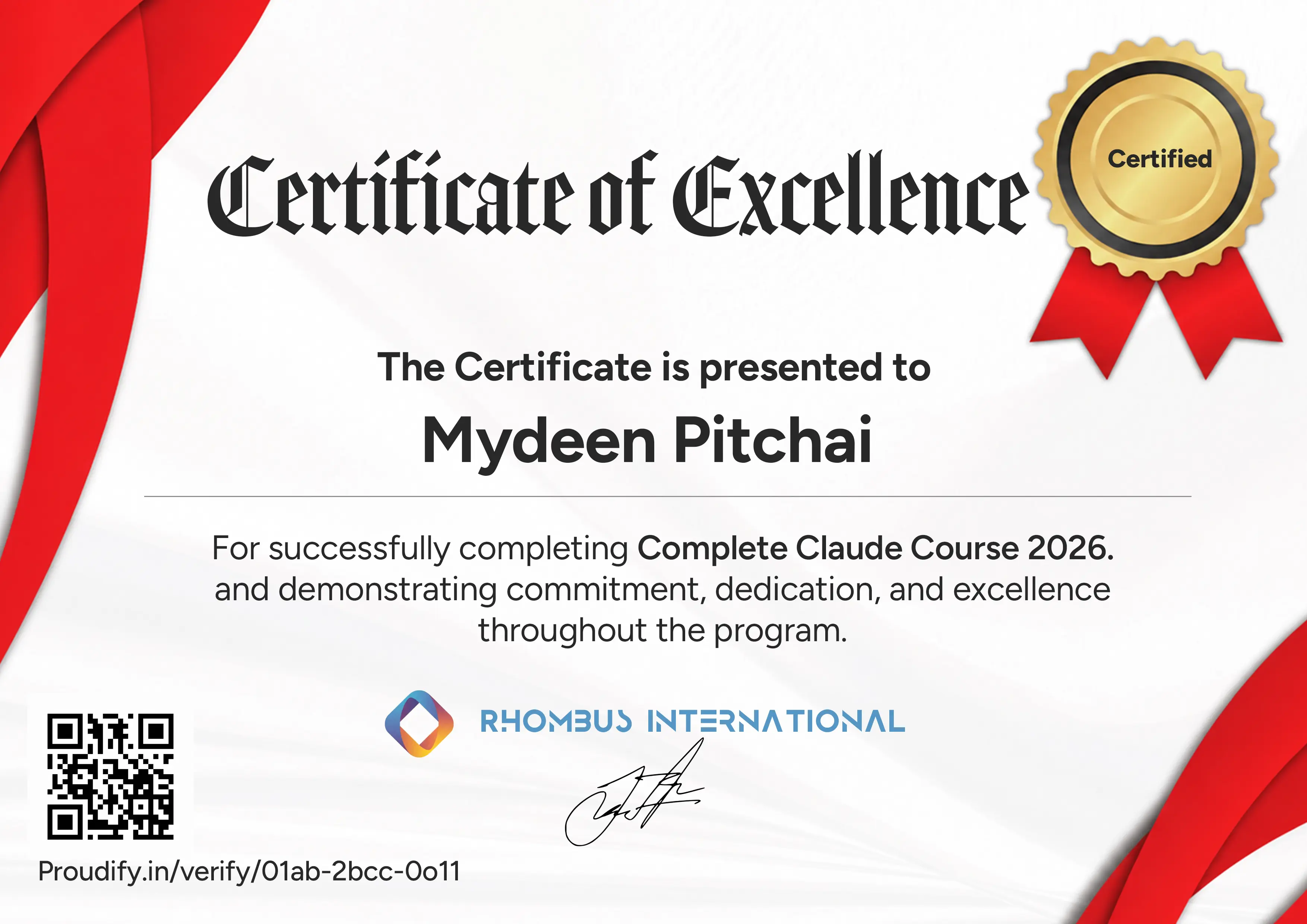
Sample certificate
Scan to verify
Credential Verified
Proudify · Verified just now
Recipient
Mydeen Pitchai
Program
Complete Claude Course 2026
Issued by
Rhombus International
Credential ID
01ab-2bcc-0o11
proudify.in/verify/01ab-2bcc-0o11
LiveWho Is This For?
One platform. Every kind of achievement.
Course and cohort certificates
Student and skill certifications
Programs, workshops and achievements
Employee training and development
Participation, speaker and recognition certificates
Membership and professional credentials
01 — Design
Open the Visual Builder and shape the certificate yourself — then publish so every issue uses the same design.
What you can do
In the Visual Builder
What you can do
Bulk issue from a spreadsheet
02 — Issue
Skip manual PDF exports. Connect your cohort file once and let issuance run while you move on.
03 — Verify
Every certificate gets a QR and public page. Employers open it and see if the credential is still valid.
Verification page
Check result
verified Authentic
This file matches the issued record.
Recipient
Priya Raman
Program
Data Analytics Intensive
PFY-9K21-VERIFY
04 — Templates
Open a library template or begin blank — then publish when it looks right.
Certificate 6
Award
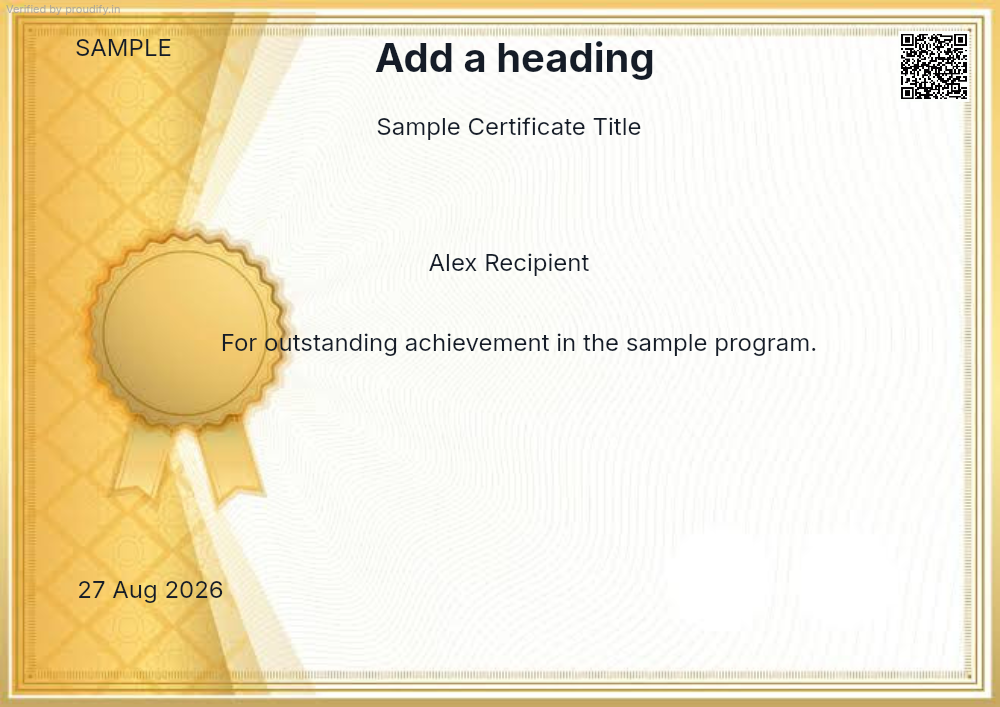
Certificate 5
Participation
Certificate temp1
Participation

Certificate 2
Leadership
What Our Users Say
"We stopped spending weekend evenings on PDFs. One spreadsheet upload covers the whole cohort."
"Our participants now share their certificates on LinkedIn within minutes of completing the course. The QR verification builds real trust with employers."
"Setting up the branded template took under 20 minutes. Every certificate since has looked consistent and professional — something we never managed before."
"We issue over 400 certificates per cohort. Proudify turned that from a two-day manual job into a one-hour task. Genuinely transformative."
"The instant verification page means our conference attendees can prove their participation the same day. No one asks for paper certificates anymore."
FAQ
Everything you need to know before you start.
Yes. Sign up and the Free plan is available immediately after account approval — no payment details required.
Open the Visual Builder, pick a template or start from scratch, add your branding elements, then publish. That design is reused for every certificate you issue going forward.
Absolutely. Upload a CSV with your recipients, map the columns to certificate fields, and Proudify generates every certificate and sends the emails in a single job.
Each certificate has a unique QR code and a public verification page. Anyone can scan or open the link to instantly confirm authenticity — no account needed.
Yes. Upload your logo, signatures, and any brand assets, place them on the artboard in the Visual Builder, and publish so every certificate carries your identity.
You can revoke any certificate from the dashboard. Once revoked, the public verification page immediately shows it as invalid — protecting your credential integrity.
The Free plan has a monthly limit. Paid plans scale with your volume — check the Pricing page for the plan that matches your needs.
Yes. Recipients get a PDF they can download and a shareable link to their personal verification page that works anywhere — LinkedIn, email, portfolios.
Get started
Create an account, design a template, and send verifiable certificates today.